Step 1: Get an account token
In this step, you'll create a zrok account and get the account token you need to enable your environment.
myzrok.io (hosted)
-
Go to myzrok.io and sign up for a free account.
-
After signing in, click the zrok icon in the left sidebar to open the API console.
-
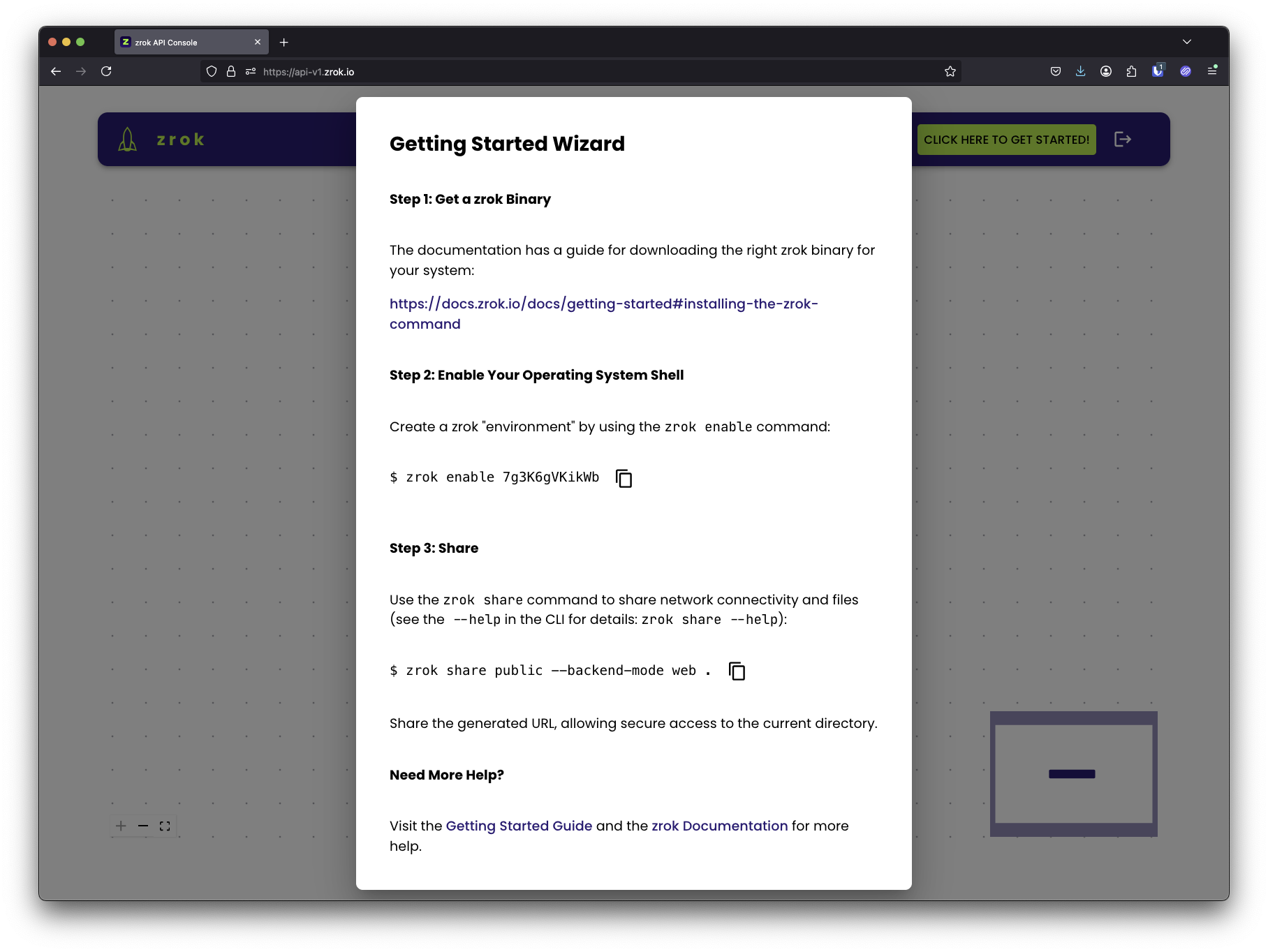
Click the green CLICK HERE TO GET STARTED! button. The getting started wizard opens:
-
Under step 2 of the wizard, copy and save your account token (a short alphanumeric string like
7g3K6gVKikWb). Treat it like a password: it authenticates your device to the zrok service.
Self-hosted instance
If you've deployed your own zrok instance, there are two ways to create an account:
-
Self-service — If your instance has invitations enabled, run
zrok2 inviteand follow the prompts to register with your email address. See Invitations for details. -
Admin — An administrator can create an account directly:
zrok2 admin create account <username> <password>
Either way, the result is an account token. Copy it for use in Step 3: Enable your environment.